Managing your account and team
This guide covers day-to-day account management: adding teammates, pausing monetization, and regaining access if you've lost it.
Manage team members
Go to Settings → Team, enter a teammate's email, and click Send an invite to give them access to your account. They'll receive an email to set up their Disco account, including setting a password. Invites expire after about a day — if one lapses, use the Resend button next to their invite on the Team page.
Settings has four tabs: Brand Profile, Partner Preferences, Team, and Account.
Match your brand's look
Under Settings → Brand Profile, add your brand colors and Disco will match the offer's CTA buttons to your site's visual identity, so the placement feels native rather than bolted on.
Change your password
Under Settings → Account, you can update your password and view your account information.
Pause monetization
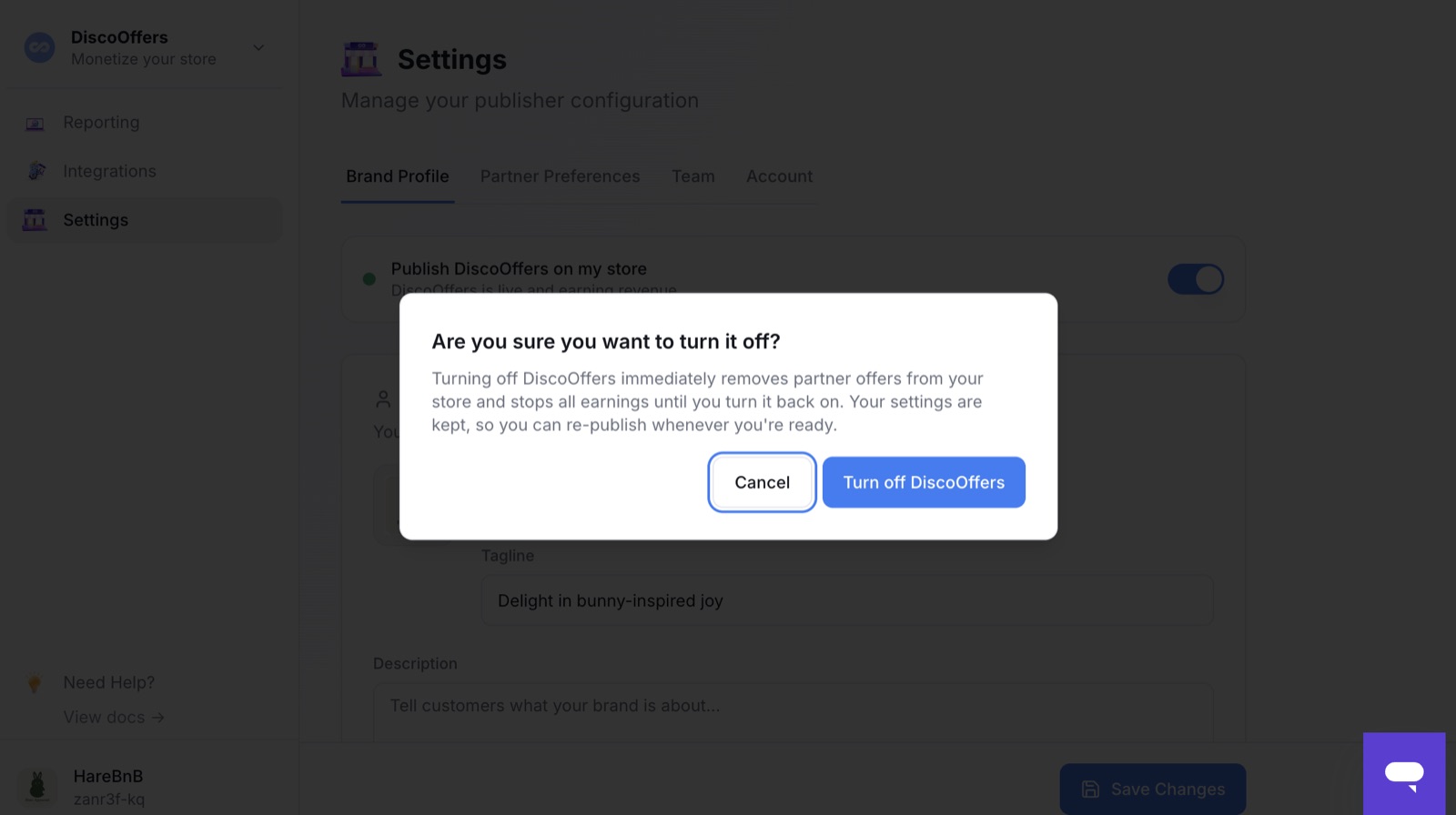
You can pause offers without leaving the network. In Settings → Brand Profile, turn off Publish DiscoOffers on my store. Partner offers disappear from your store immediately and earnings stop — but your settings are kept, so you can re-publish whenever you're ready.
Regaining access
If you've lost access to your account — for example after a Shopify reinstall or a team change — see Regaining access to Disco if you're on Shopify.
Related articles
Cancelling your account
Need to cancel? See Cancelling your account — it covers advertisers and publishers, including what happens after you cancel and when pausing is the better option.